
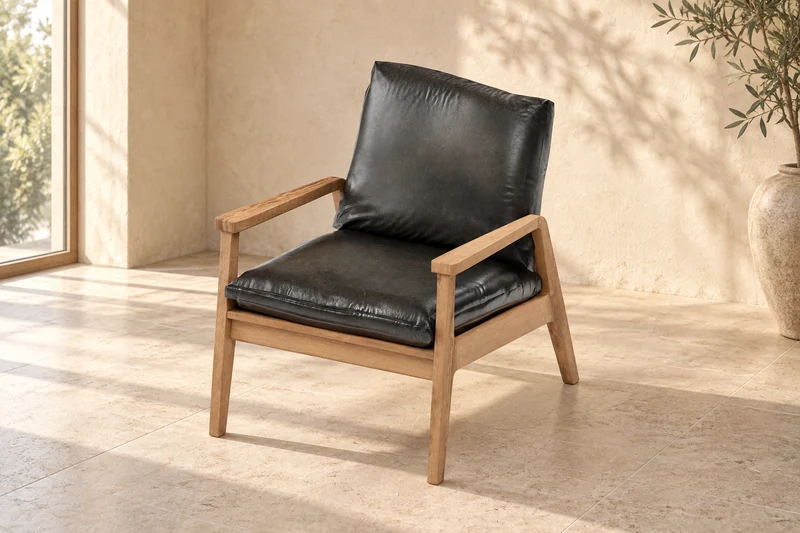
 01 / THE REFERENCE
Define the object.
The oak frame, reclined back and black leather cushions establish the visual direction. On a custom project, references and dimensions guide the model.
YOUR PRODUCT. EVERY ANGLE.
A product worth a closer look.
Custom 3D models, considered product visuals and CAD workflows. Bring your references; we’ll help define the shape, detail and outputs your project needs.
Discuss your modelThe CloudtoBuild cloud as a real-time 3D model. Move your pointer near it: it follows you, blinks and reacts. The same kind of work can put your product on your website.
Start with an image. Explore the same
oak frame, leather cushions and details in 3D.
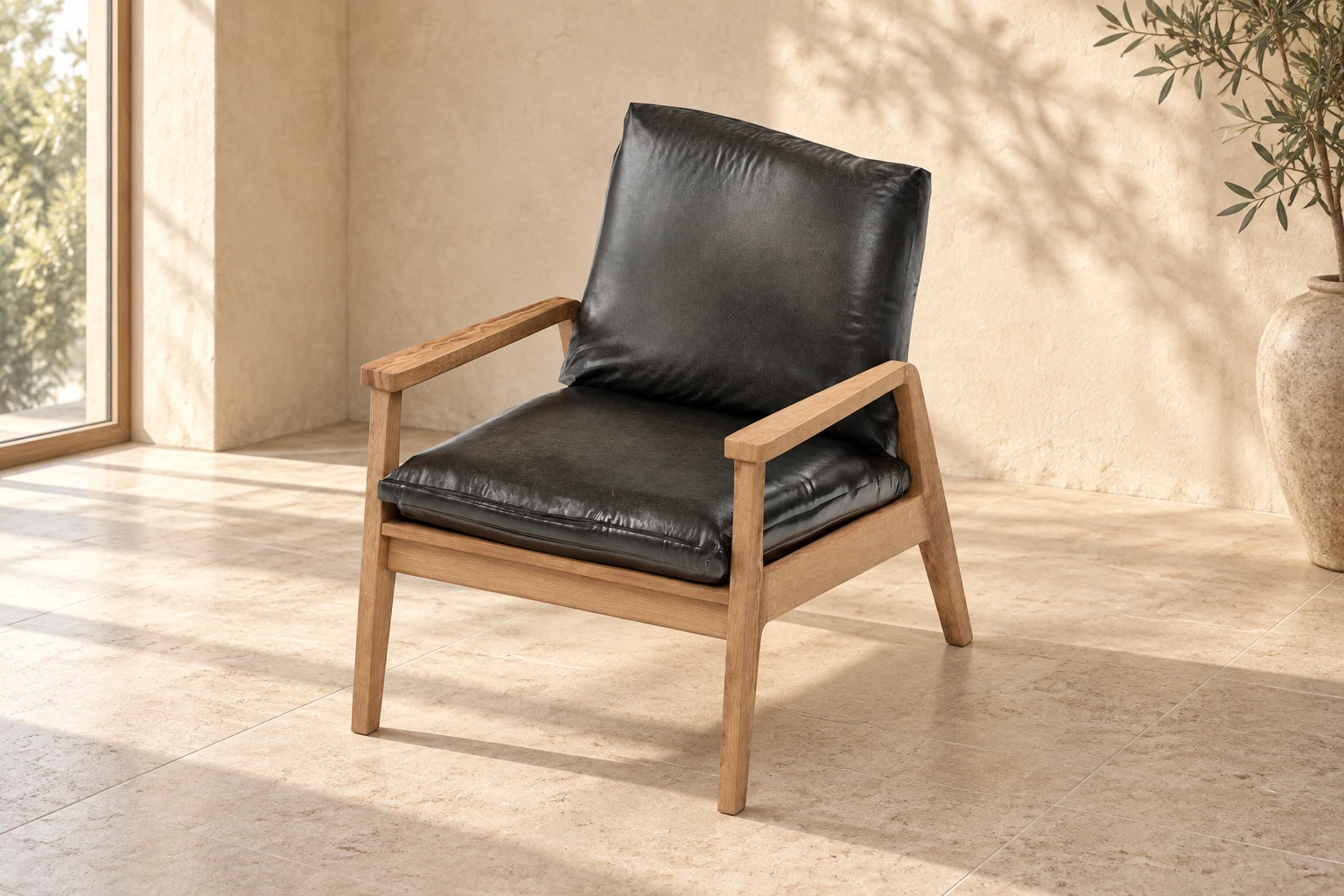 01 / CONCEPT PRODUCT IMAGE01 / THE REFERENCE
The oak frame, reclined back and black leather cushions establish the visual direction. On a custom project, references and dimensions guide the model.
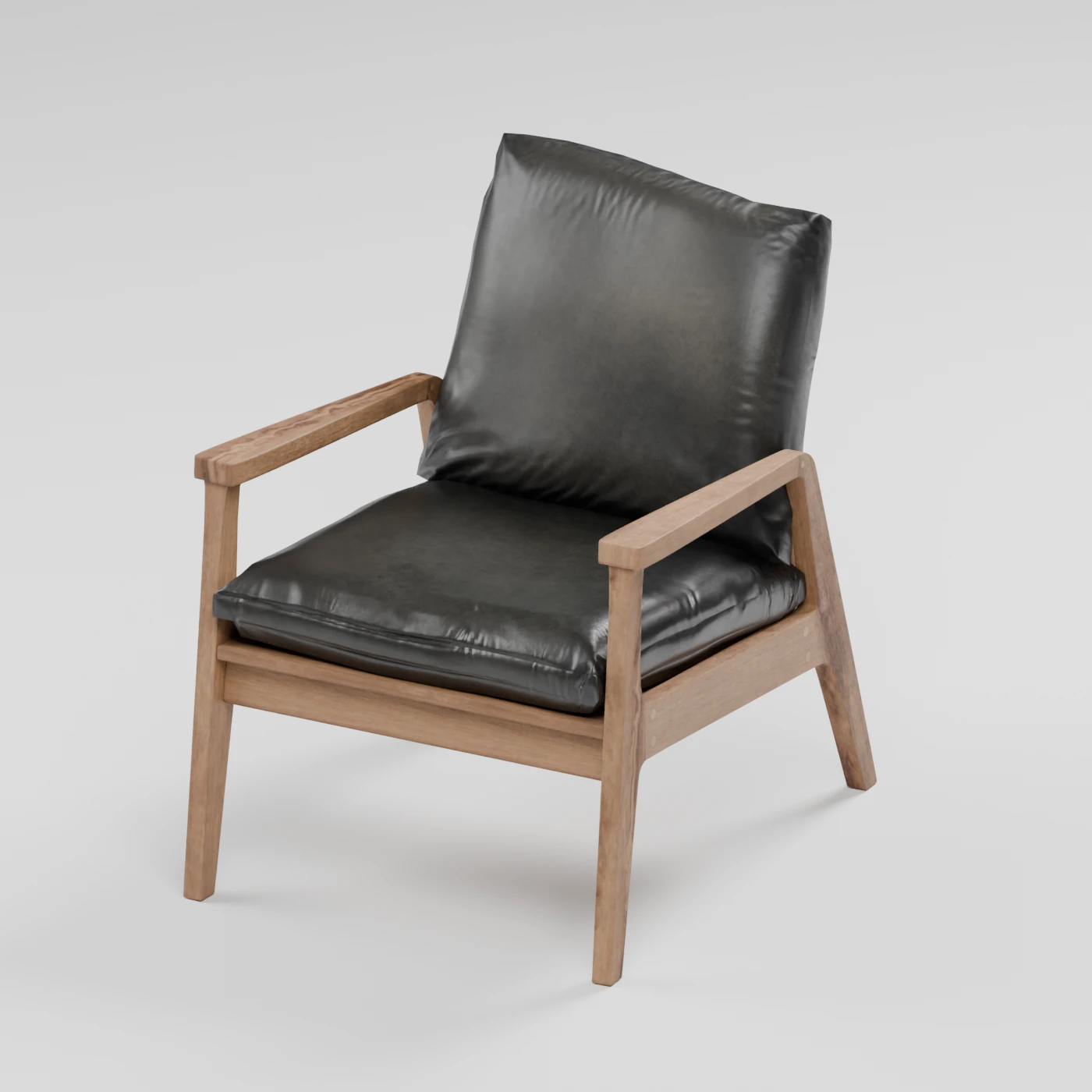 02 / THE GEOMETRY
Compare the silhouette, armrests, cushion proportions and supporting frame. Open the viewer to inspect the geometry in wireframe or clay.
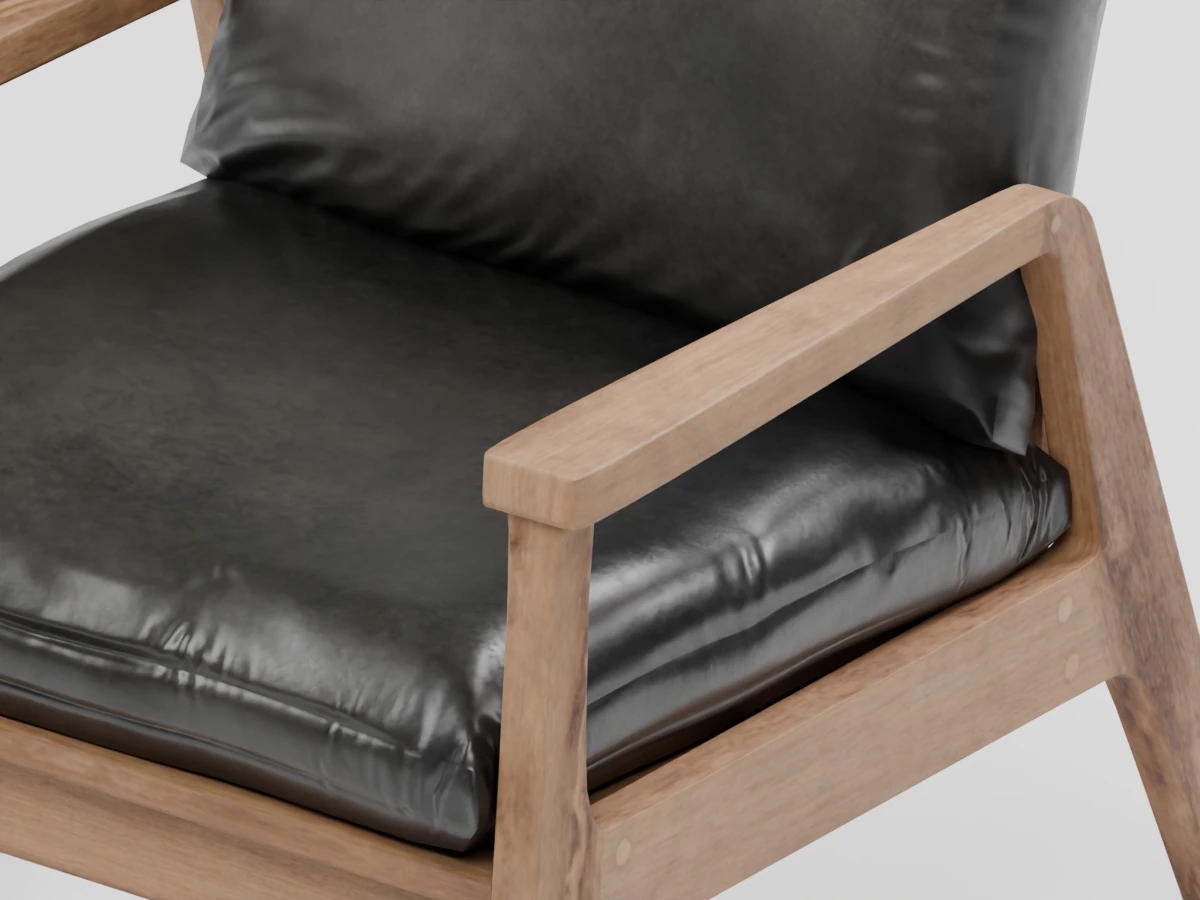 03 / THE FINISH
Leather creases, cushion seams and wood grain give the surface depth. Rotate the finished model and compare the cushion colour previews.
About this study. The concept image was AI-generated using a render of this exact model as its reference. We prepared this demonstration in reverse: selected model → matching concept image. A custom commission starts with your references, dimensions and requirements.
View the model sourceModern Arm Chair 01 is a third-party model by Vibrant Nordic / Poly Haven (CC0). CloudtoBuild prepared the presentation and browser viewer. This is a demonstration, not a client project or evidence of original model authorship. The two detail images are renders of the actual model; the concept image is an illustration rather than an exact technical reference.
01 / CHOOSE THE RIGHT KIND OF MODEL
A catalogue image, an interactive product and a dimensioned CAD file need different kinds of care. The output guides the workflow.
Present the object through agreed angles, materials and lighting. Useful for product pages, catalogues and campaign imagery.
Let people turn a model and explore approved variations. Geometry, textures and controls are prepared around the website and supported devices.
Work from specified dimensions and technical references. Define the units, file requirements and intended use before modelling begins.
02 / THE TOOLS BEHIND THE WORK
We use Blender, Autodesk Maya, AutoCAD and Autodesk Fusion. The choice depends on the geometry, accuracy and final use of your model.
Modelling, materials, lighting and rendering for visual work. A useful place to bring geometry and its final presentation together.
A 3D modelling and animation workflow when the project calls for motion. Animation requirements are agreed around the intended output.
2D drafting, dimensioned drawings and 3D geometry for work that starts with technical references and documentation.
Parametric product models and assemblies for CAD workflows. Inputs, tolerances and the intended use of the files are defined in scope.
The software is selected for the agreed work. Tools and outputs are identified in your proposal; using a tool does not imply vendor certification.
03 / FROM REFERENCE TO DELIVERY
Agree the references, scope and review points first. That gives the model a clear purpose and feedback a useful direction.
Share photos, sketches or drawings, dimensions and the places you want to use the model. We agree what needs to be accurate and what needs to be shown.
Choose a suitable modelling or CAD workflow. Review shape, scale and important details before moving into materials or presentation.
Review the agreed surfaces, colours, lighting and angles. For CAD work, review the specified dimensions and documentation instead.
Package the agreed source files, renders or model exports. An interactive website viewer is tested separately for loading, controls and supported devices.
04 / KNOW WHAT YOU WILL RECEIVE
Your proposal lists the deliverables, supported formats, usage rights, revisions and any separate viewer or animation work.
Agreed geometry, editable source files and platform-specific exports.
Specified render views, resolution, background and animation outputs where scoped.
Approved material variants and notes on supplied or third-party assets.
Model optimisation, website integration and device testing when a viewer is included.
BEFORE WE BEGIN
Custom modelling can be scoped around your product and references. Any purchased, supplied or public-domain assets are identified separately. The armchair on this page is a credited third-party model used for a presentation study. For a custom project, we model your object from the agreed references and dimensions.
Tell us about the object, intended use, reference images or drawings, dimensions, materials, variations, required outputs and deadline. Complexity, accuracy, animation and review rounds all affect the scope.
Our tools include Blender, Autodesk Maya, AutoCAD and Autodesk Fusion. We choose a workflow around the project rather than using every tool on every model. Browser viewers use a separate web delivery workflow.
The proposal specifies the source files and exports you receive, together with any third-party asset or texture licences. A render package and an editable model are different deliverables, so we confirm both before starting.
A website viewer can be scoped with model optimisation and device testing. AR needs suitable exports, supported platforms and separate checks. A model that works in this browser viewer is not automatically ready for every AR platform.
No. Visualisation focuses on appearance and presentation. CAD work has specified dimensions, units and intended uses. Engineering validation and manufacturing requirements must be explicitly agreed; they are not established by the appearance of a render.
LET’S START WITH YOUR OBJECT
Tell us about the product, share your references and explain where the result will be used. We’ll talk through a practical scope.